

How to Choose a Digital Accessibility Audit Provider
A guide for government and enterprise teams
Accessibility Audits and Testing
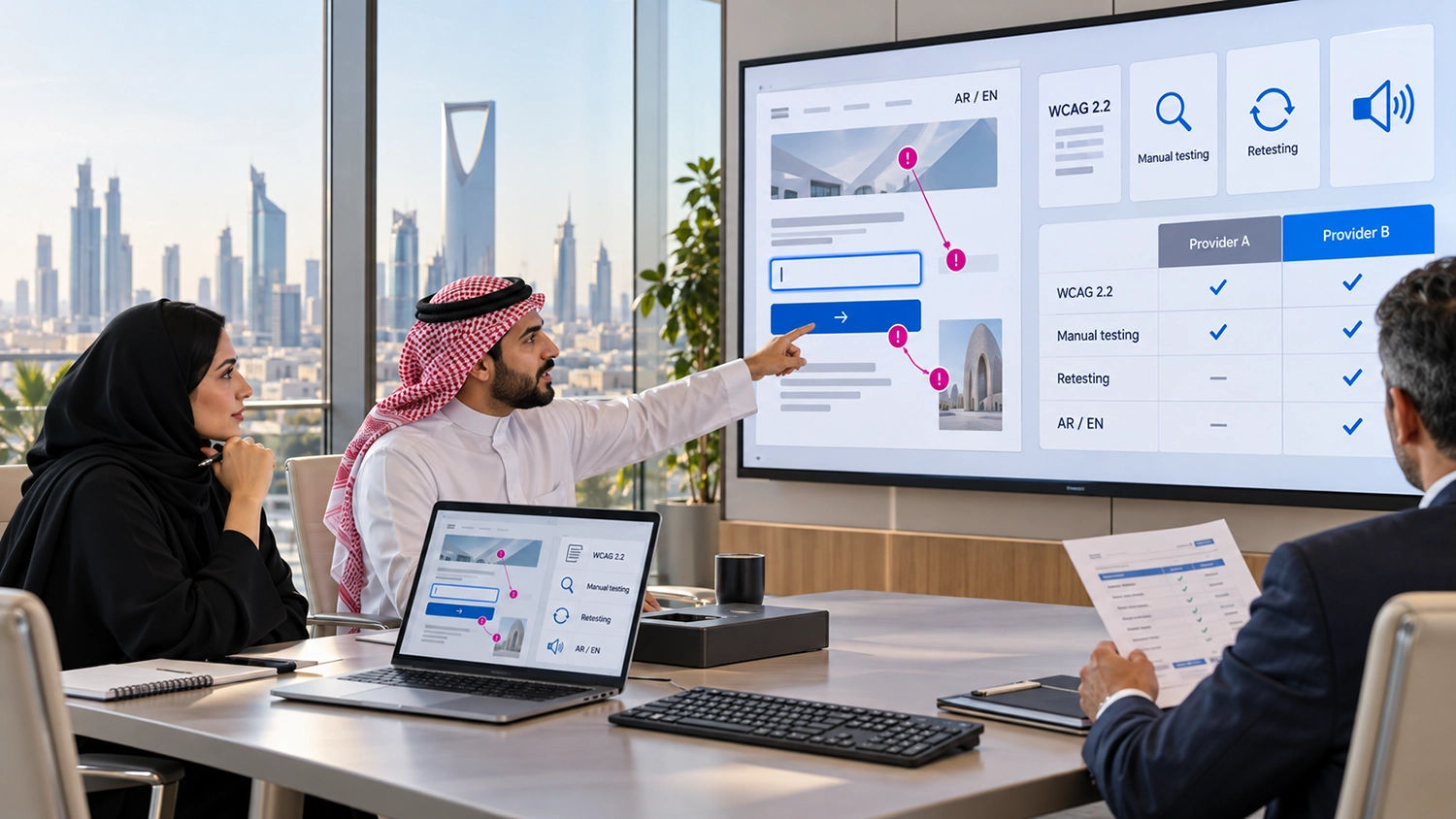
Choosing a digital accessibility audit provider is a procurement decision with consequences for service delivery. Government entities and enterprises need findings their teams can act on, evidence they can review and a clear understanding of what has actually been tested.
A proposal may promise a WCAG assessment, an accessibility score or a detailed report. Those descriptions can hide substantial differences in scope. One supplier may scan public pages, while another evaluates authenticated services, both language versions and complete application journeys. Comparing their prices without comparing their work can lead to the wrong choice.
This guide explains how to define your requirements, evaluate a provider’s approach and agree useful deliverables. It is intended for digital service owners, procurement teams, IT departments and project managers selecting an audit partner for government or enterprise websites.
The Answer at a Glance
Choose a provider that explains its scope, demonstrates relevant testing expertise and delivers reproducible findings with practical remediation guidance. Agree how Arabic and English services, representative pages, important user journeys and retesting will be covered before accepting a quotation.
Selection area
What to look for
Scope
Named services, languages, templates, journeys and exclusions
Testing approach
Automated checks supported by expert manual evaluation
Team capability
Relevant examples and demonstrable assistive technology skills
Deliverables
Reproducible issues, user impact, WCAG mapping and useful recommendations
Follow through
Developer clarification, agreed retesting and clear acceptance conditions
Define the Outcome Before Requesting Quotations
Start with the decision the audit must support. Are you preparing to launch a new portal, investigating barriers in an existing service, reviewing a supplier’s delivery or establishing a baseline for an improvement programme? Each purpose changes the work that should be included.
For example, a government entity preparing an online permit service needs to understand whether applicants can complete the application. Reviewing the homepage and a few information pages will not answer that question. The brief should include sign-in, form validation, supporting-document upload and confirmation, including unsuccessful attempts where users must recover from errors.
Name the internal owner of the findings and the team expected to implement changes. An audit is more useful when procurement, the digital service owner and the development supplier agree how the results will be handled. Set aside time for reviewing the report and clarifying findings before treating delivery as complete.
Agree the Standard and Audit Scope
Avoid briefs that request only “an accessibility audit” or “WCAG compliance.” Specify the WCAG version and conformance level to be assessed, then identify any additional policy or contractual requirements. WCAG 2.2 defines testable accessibility criteria, but the applicable project requirements should be established rather than assumed.
In the GCC, do not assume that every government entity or enterprise follows an identical requirement. Ask the responsible team to confirm the relevant framework. VisiAble’s overview of digital accessibility in the GCC provides regional context, while the procurement brief should state the specific requirement for the service being evaluated.
A useful scope identifies websites or applications, language versions, shared components, page templates, authenticated areas and critical tasks. Include downloadable documents and media where they are part of the service, or explicitly commission them separately. State whether mobile applications are included; a website quotation should not silently be treated as a native app assessment.
Ask the provider to explain how its sample covers the service. W3C’s conformance evaluation guidance describes an evaluation process that includes defining scope, exploring the website, selecting a representative sample, evaluating it and reporting findings. A large page count alone does not explain whether the important interactions have been assessed.
Evaluate the Testing Methodology
When comparing website accessibility audit services, ask which accessibility audit tools the provider uses and what qualified evaluators will test manually. The proposal should explain the pages, states and user journeys covered by each method. W3C’s guidance on selecting accessibility evaluation tools helps clarify why software output must be reviewed within a broader assessment, rather than accepted as a complete conformance result.
Ask for examples of how the provider will evaluate keyboard operation, focus behaviour, form feedback, content structure and assistive technology interaction. Request an explanation in service terms. Can a user open a menu, dismiss a dialog, understand a validation error and continue the task without a mouse?
Confirm how the team handles issues that need judgement. A detected alternative-text attribute does not establish that its wording describes the image appropriately. Similarly, finding a form label does not establish that instructions and error messages make the task understandable.
The provider should also explain how duplicate findings are grouped. Repeating one shared navigation defect across hundreds of URLs can make a report look comprehensive while obscuring the fix. Our article on automated and manual accessibility testing explains why the methods serve different purposes.
Check Bilingual and Assistive Technology Expertise
For an Arabic and English service, ask whether both versions will be evaluated and how the findings will distinguish them. Translation can change labels, instructions and error messages. Right-to-left layouts and mixed Arabic and English content also deserve attention during task testing.
A provider should be able to discuss a bilingual example rather than simply promise “Arabic support.” Ask how it tests focus order, page language, control names and mixed-direction inputs such as email addresses and reference numbers. Agree the language of the report and whether developers need bilingual findings.
Assistive technology testing should name the environments used, such as a particular screen reader, operating system and browser combination. Ask why those environments suit your audience and which interactions will be exercised. Listing NVDA, JAWS or VoiceOver in a proposal is not sufficient evidence of a testing method.
Where user research is included, ask about participant needs, tasks and how the results will be recorded. W3C’s guidance on involving users in accessibility evaluation explains the value of user involvement alongside standards evaluation. A small user study should not be presented as proof that all requirements have been met.
Request a Sample Report from Your Digital Accessibility Audit Provider
Request an anonymised report or a demonstration issue before appointment. Review it with someone who will implement the recommendations. Could that person reproduce the problem, identify the component and understand the expected behaviour without arranging a separate meeting?
For each issue, ask for the affected page or component, the testing environment, reproduction steps, observed behaviour, user impact, relevant criterion and a proposed remedy. Evidence may include screenshots or a short recording where useful, but it should be accompanied by a written explanation.
An executive summary should help service owners decide what to address first. The technical detail should help developers make the correction. W3C’s accessibility evaluation report template is a useful reference for considering report scope, results and recommendations.
Agree a severity model rather than relying on labels whose meaning is unclear. A barrier preventing application submission may warrant immediate attention even if it appears on one screen. Repeated lower-impact issues may be better addressed through a shared component or content process. Ask the provider to explain both the user impact and the reasoning behind priority.
Separate an Audit from Remediation and Conformance Documentation
An audit identifies and documents barriers. Remediation changes the product. Retesting evaluates the changes. These activities may be offered by one provider, but they should have separate responsibilities and deliverables in the agreement.
Clarify whether remediation guidance means suggested fixes, implementation by the provider or workshops with your development supplier. Likewise, define whether the engagement includes only an issue report or additional conformance documentation. If an Accessibility Conformance Report based on a VPAT template is required, request it explicitly and agree its coverage and evidence basis.
Treat broad promises of guaranteed compliance with caution. A report relates to a defined product version, scope and testing date. WCAG conformance requirements include full pages and complete processes; the boundaries of a sampled assessment should be disclosed rather than converted into an unsupported claim about every part of a service.
Compare Proposals on Equivalent Terms
Send each shortlisted digital accessibility audit provider the same scope and ask them to state assumptions and exclusions.
Quotation item
Clarification to request
Page and journey coverage
Which templates, states and complete tasks are included
Language coverage
Whether Arabic and English are both tested
Documents and media
Included volume and selection method or separate pricing
Clarification support
Number or duration of developer review sessions
Retesting
Included cycles, scope, timing and treatment of new issues
Delivery conditions
Required access, dependencies, exclusions and change costs
A practical comparison can combine a mandatory technical threshold with a commercial review. For example, require a clearly defined method and usable sample report before considering the price. This is a suggested purchasing approach, not a universal procurement rule; follow your organisation’s approved process.
Plan Access Security and Retesting
Agree test accounts, permissions, test data and a suitable environment with your digital accessibility audit provider before testing authenticated services.
Retesting should be scheduled around implementation, with an agreed product version and a clear list of corrected findings. Ask whether related components will be checked for regressions and how unresolved or newly observed issues will be reported. A useful closure record distinguishes verified fixes from findings still open or outside the retest scope.
Questions to Ask Your Digital Accessibility Audit Provider
- Which WCAG version and level will you assess, and what is excluded?
- How will you select representative pages and test complete service journeys?
- What will be checked manually and with assistive technologies?
- How will Arabic and English versions be evaluated?
- Can you show a sample finding and explain how a developer would use it?
- Who will perform and review the assessment?
- What access and security arrangements do you require?
- What clarification support and retesting are included?
Record the answers in the agreed scope. If a proposal leaves important points unresolved, clarify them before appointment rather than relying on a sales conversation that never becomes part of the deliverables.
Frequently Asked Questions
Is an automated scan enough for a professional audit
No. Automated scanning is useful, but a broader assessment needs human evaluation of requirements that cannot be resolved by automated checks alone. Ask the provider to explain the manual work included.
Must every page be tested manually
Not necessarily. A representative sample may be appropriate, depending on the purpose and service. The provider should justify its selection and disclose the assessment boundaries, including how critical processes are covered.
Should Arabic and English be included in one audit
Yes, if both versions are part of the service you want assessed. They can share an engagement, but language-specific content and interactions need explicit coverage.
Does a higher audit price mean a better provider
No. Compare scope, demonstrated expertise, report quality and follow-up. A price difference may reflect substantially different work rather than a difference in quality.
Is an audit report the same as a VPAT
No. An audit report documents evaluation findings. A VPAT is a template used to prepare an Accessibility Conformance Report. Specify the documentation required and ask how its statements will be supported.
Should the provider fix the issues too
That depends on your delivery model. Your developer may implement the changes with the auditor’s guidance, or you may commission remediation separately. Define responsibility and independent verification before work starts.
How VisiAble Can Help
VisiAble helps government entities and enterprises define and assess digital accessibility requirements through professional accessibility audits. The engagement scope can combine automated scanning, expert manual evaluation, keyboard and assistive technology testing, and review of representative pages and critical service journeys.
For bilingual services, we can agree coverage of Arabic and English versions and identify issues that affect each experience. Depending on the agreed scope, our work can also include document and media review, prioritised findings, practical remediation guidance, developer clarification and retesting.
Our aim is to give your team evidence it can use to plan improvements and verify corrections. Explore our accessibility standards or contact VisiAble to discuss the service, users and deliverables your assessment needs to cover.