

What Affects the Cost of a Website Accessibility Audit?
A practical guide to scope, testing depth and comparing proposals
Accessibility Audits
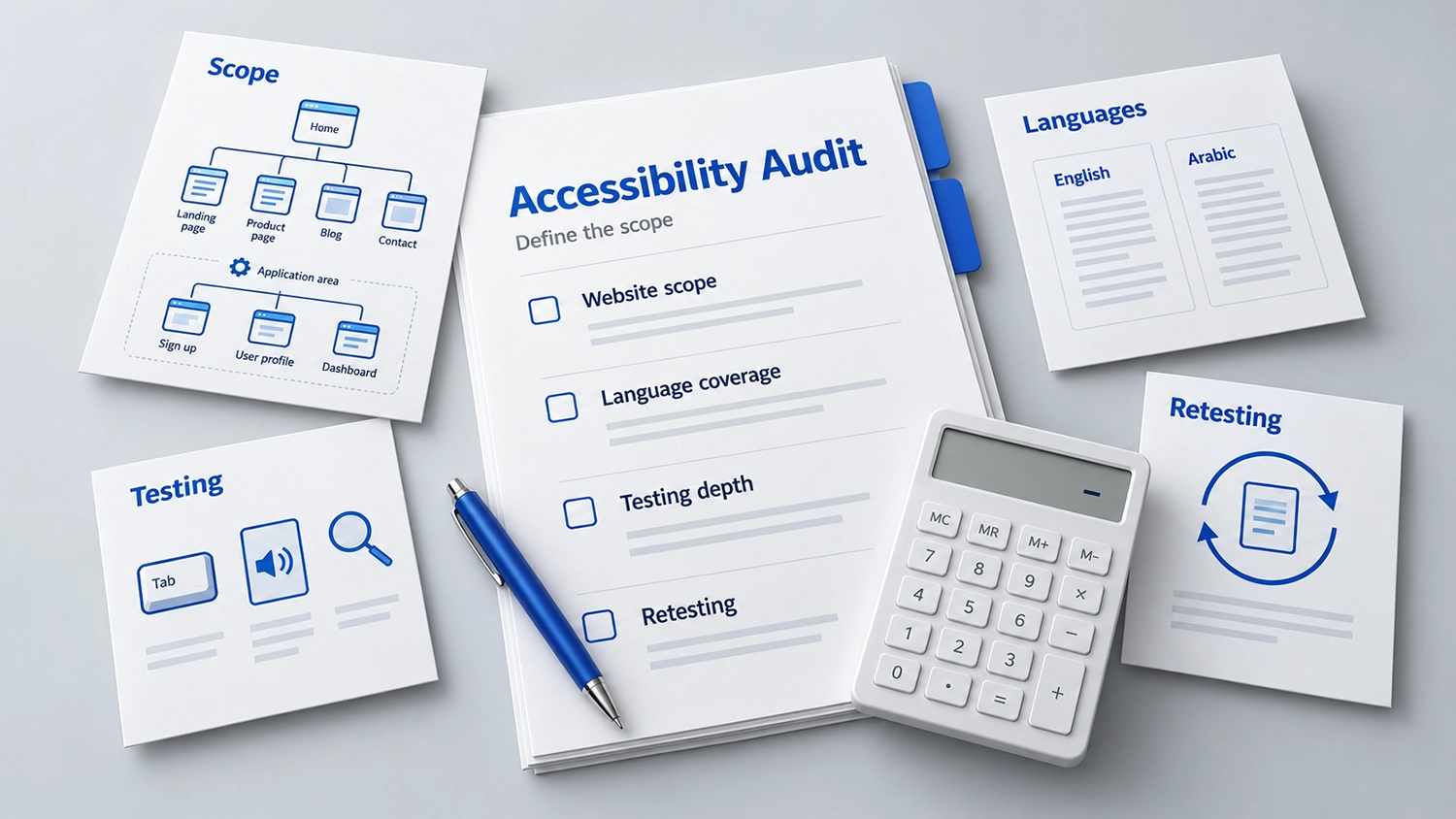
Accessibility audit cost depends on your website’s scope, language coverage, testing depth and retesting requirements. Two accessibility audit proposals can cover the same website and still describe very different work. One may offer an automated scan of public pages. Another may include manual testing of complete services, assistive technology checks, Arabic and English journeys, and a retest after fixes. Comparing their totals without comparing their scope can lead to the wrong decision.
Website accessibility audit cost depends on what needs to be evaluated, how the evaluation will be performed and what evidence your organisation expects to receive. For government entities and businesses, the useful question is whether the proposed work will support decisions and practical improvements across the services people use.
Start With the Purpose and Standard
An audit for a new public service may have a different scope from a review of an existing corporate website or an assessment requested during procurement. Explain why you need the audit, which services matter most and how your team will use the findings.
Agree the WCAG version and conformance level, the product boundaries and any additional requirements before requesting a final price. The W3C accessibility evaluation methodology provides a structured approach to defining scope, exploring a product, selecting representative samples, evaluating and reporting. The selected sample and the limits of any resulting conclusions should be explicit.
Why Page Count Does Not Explain Accessibility Audit Cost
A website with many pages based on a few shared templates may require less distinct testing than a smaller application with complex interactions. A booking service can include date selection, identity checks, uploads, payment, error messages and confirmation screens within a small number of URLs.
Ask providers how they account for unique templates, reusable components, interactive states and complete processes. Page count is useful for an inventory, but it does not describe all the work. A proposal should explain what will be sampled and how important journeys will be covered, including their unsuccessful states.
Manual Testing and Assistive Technology Coverage
Automated checks can identify certain technical issues efficiently. They cannot determine whether every visitor can understand and complete a service. W3C explains the role and limitations of tools in its guidance on selecting accessibility evaluation tools.
A detailed evaluation may also include keyboard operation, screen reader testing, zoom and reflow, focus behaviour, forms and error recovery. The agreed combination of browsers, operating systems, devices and assistive technologies affects the testing effort. Request a relevant, defined test matrix rather than an unexplained promise to test “everything.”
Arabic and English Websites Need a Clear Language Scope
A bilingual website may share components across both languages while presenting different content, layouts and user journeys. Arabic introduces checks involving right-to-left presentation, mixed-direction content, language information, labels and meaningful reading order. Translated instructions and errors also need review in context.
Testing both languages does not automatically mean twice the price. Equally, reviewing one language does not establish that the other works. Ask which shared components can be evaluated together and which Arabic and English tasks will be tested independently. This makes the proposed coverage easier to understand.
Authentication, User Roles and Third-Party Services
Public pages are only part of many services. Staff dashboards, applicant accounts and customer portals may expose different functions to different roles. Testing those areas requires appropriate access, prepared test accounts and a safe way to exercise relevant tasks.
External payment services, identity providers and embedded booking tools can complicate the scope. Identify these dependencies early. Agree whether the provider will evaluate the complete journey, document third-party barriers or limit the assessment to components your organisation controls. Record any exclusions and their implications for users.
Documents, Media and User Research
Downloads, videos and other content may be included in an audit or quoted separately. A document collection needs its own inventory, including file types, templates, languages and complexity. Do not assume that a website review includes remediation of every PDF or captions for every video.
Testing with people with disabilities can add evidence about real use, but it has its own planning, recruitment and session requirements. W3C recommends involving users in evaluation alongside appropriate standards-based assessment. If you need user sessions, an Accessibility Conformance Report or procurement documentation, ask for these deliverables explicitly.
The Report Should Help Your Team Fix Problems
A useful report explains what was tested, what was found and how the findings can be reproduced. For a developer, an issue should identify the affected component or page, the relevant state, the observed barrier and the applicable criterion. Examples and practical remediation guidance can make the report easier to use.
Ask how issues will be prioritised, whether repeated component problems will be grouped and whether the proposal includes a findings discussion. An executive summary helps decision-makers, while technical detail supports implementation. A score by itself does not tell a team how to repair a failed application journey.
Separate Assessment, Remediation and Retesting
An audit identifies barriers within its agreed scope. Remediation changes the website or content. Retesting checks the changes and any relevant effects. These activities may involve different teams, and their inclusion should be clear in the proposal.
Ask whether retesting is included, how many rounds are offered, what changes it covers and when it must take place. Ongoing monitoring is another service with its own coverage and limitations. None of these activities should be assumed to be included because a quotation uses the word “audit.”
Timing, Access and Coordination Also Matter
A fixed launch date, delayed test accounts or an unstable build can affect delivery planning. Frequent changes during evaluation may require findings to be checked again. A proposal should state the prerequisites, expected review stages and how changes to the agreed scope will be handled.
Your organisation can help by providing a reliable test environment, realistic sample data and an available technical contact. Avoid using live personal information when suitable test data will support the task. Clear preparation reduces avoidable delays and helps the evaluation focus on actual barriers.
How to Request Comparable Proposals
Give each provider the same brief: the website or application, key services, languages, approximate content inventory, user roles, target standard, expected deadline and known third-party dependencies. Describe the evidence and support your team needs after testing.
Then compare the proposed sample, complete journeys, manual methods, assistive technology coverage, exclusions, report detail and retest arrangements. Ask for separate pricing where useful, such as assessment, document review, user sessions and follow-up testing. These distinctions make an accessibility audit cost comparison more meaningful than a headline total alone.
Frequently Asked Questions
Is there one standard price for a website accessibility audit?
No single figure describes every scope. A useful quotation follows an initial discussion of the website, its tasks, languages, testing requirements and deliverables. Ask what the price includes before comparing providers.
Can a free accessibility checker replace an audit?
A checker can help identify some issues and support regular checks. A comprehensive evaluation also requires human judgement and appropriate manual testing. Our guide to automated and manual accessibility testing explains the distinction.
Does a bilingual audit always cost twice as much?
No. Shared templates may allow some work to be reused, while language-specific content and interactions still need review. The quotation should explain the coverage of each language.
Does the audit price include fixing the website?
Only when remediation is explicitly included. Confirm who implements changes, what support is available and whether a retest is included. The same applies to ongoing monitoring and further content reviews.
When comparing accessibility audit cost proposals, check that each provider includes comparable page coverage, manual testing, assistive technology testing and retesting. A lower quote may reflect a narrower scope, so assess the deliverables alongside the price.
How VisiAble Can Help
VisiAble helps organisations define an accessibility evaluation around their services, users and Arabic and English content. Through our professional accessibility audit service, we can discuss the scope, testing requirements and evidence your team needs before preparing a proposal.
Whether you are planning a new service or improving an existing website, contact VisiAble to discuss your priorities. A clearly defined scope gives your organisation a stronger basis for budgeting, comparing proposals and planning improvements.
Further Reading
Explore our accessibility standards, learn about website accessibility for government entities, or review VisiAble’s accessibility services.